






🌐 Website · 📘 Documentation · 🚀 Installation · 🐳 Docker Installation · 🎯 Live Demo
🇦🇪 🇪🇸 🇩🇰 🇩🇪 🇦🇺 🇬🇧 🇳🇿 🇺🇸 🇪🇸 🇻🇪 🇫🇮 🇫🇷 🇮🇳 🇭🇷 🇮🇩 🇮🇹 🇯🇵 🇰🇷 🇲🇳 🇳🇱 🇳🇴 🇵🇱 🇧🇷 🇵🇹 🇷🇴 🇷🇺 🇸🇪 🇵🇭 🇹🇷 🇺🇦 🇻🇳 🇨🇳 🇹🇼
UnoPim is an open-source Product Information Management (PIM) system built on Laravel 13. It helps businesses organize, manage, and enrich their product information in one central repository — now with built-in AI agent capabilities for conversational product management.
 Introducing Open Source PIM — UnoPim |
 10M Products? Meet UnoPim |
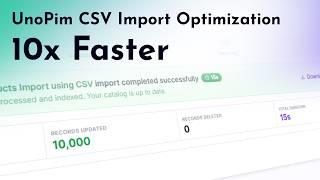 CSV Import 10x Faster |
Upgrading from an older version? See the Upgrade Guide and CHANGELOG for full release notes.
UnoPim is engineered for high-volume catalogues. Read how UnoPim scales to handle over 10 million products.

-
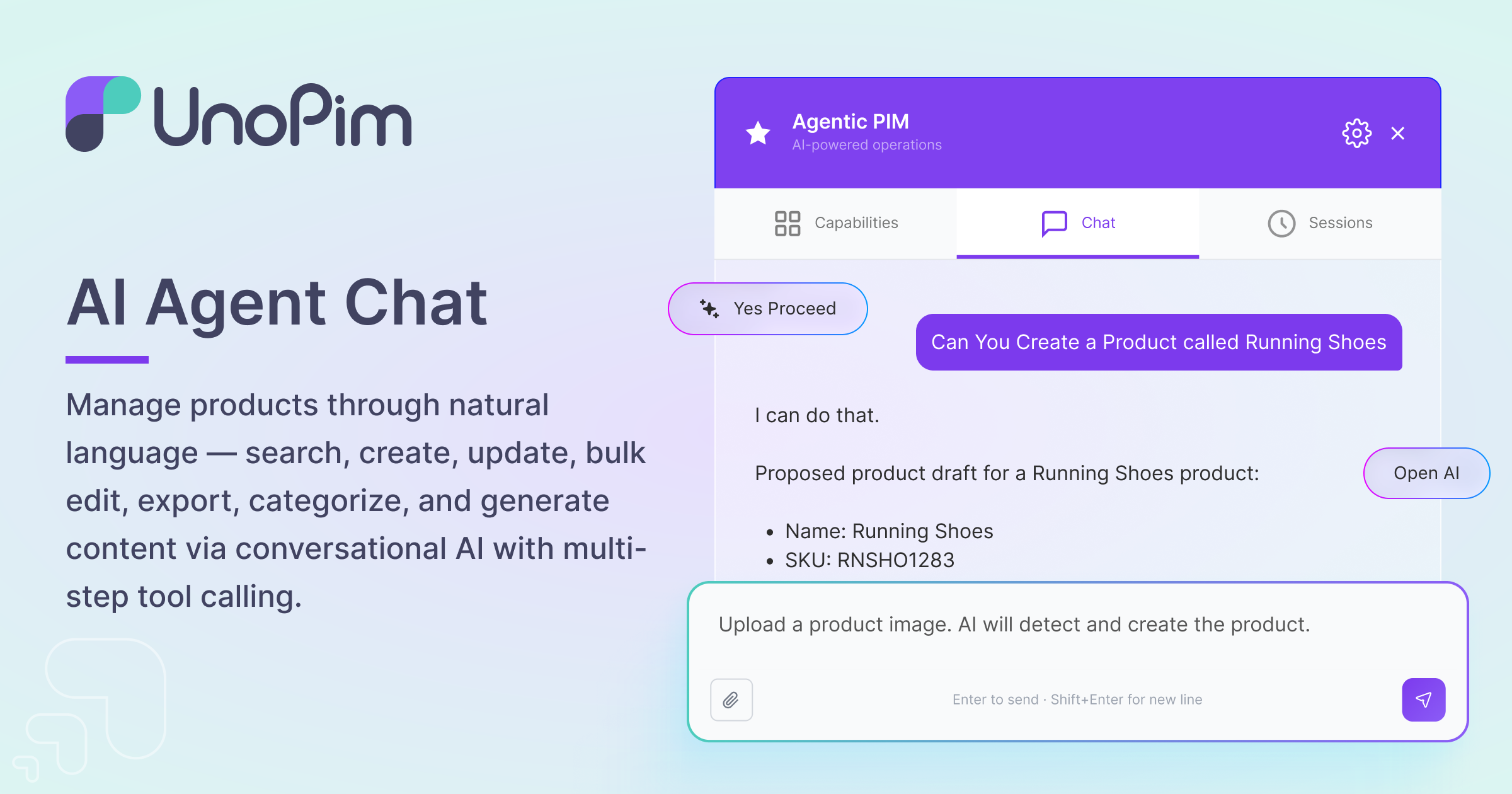
AI Agent Chat Manage products through natural language — search, create, update, bulk edit, export, categorize, and generate content via conversational AI with multi-step tool calling.
-
Magic AI with Multi-Platform Support Generate product content, images, and translations using 10+ AI providers. Configure and manage AI platforms with encrypted credential storage, connection testing, and dynamic model selection.

-
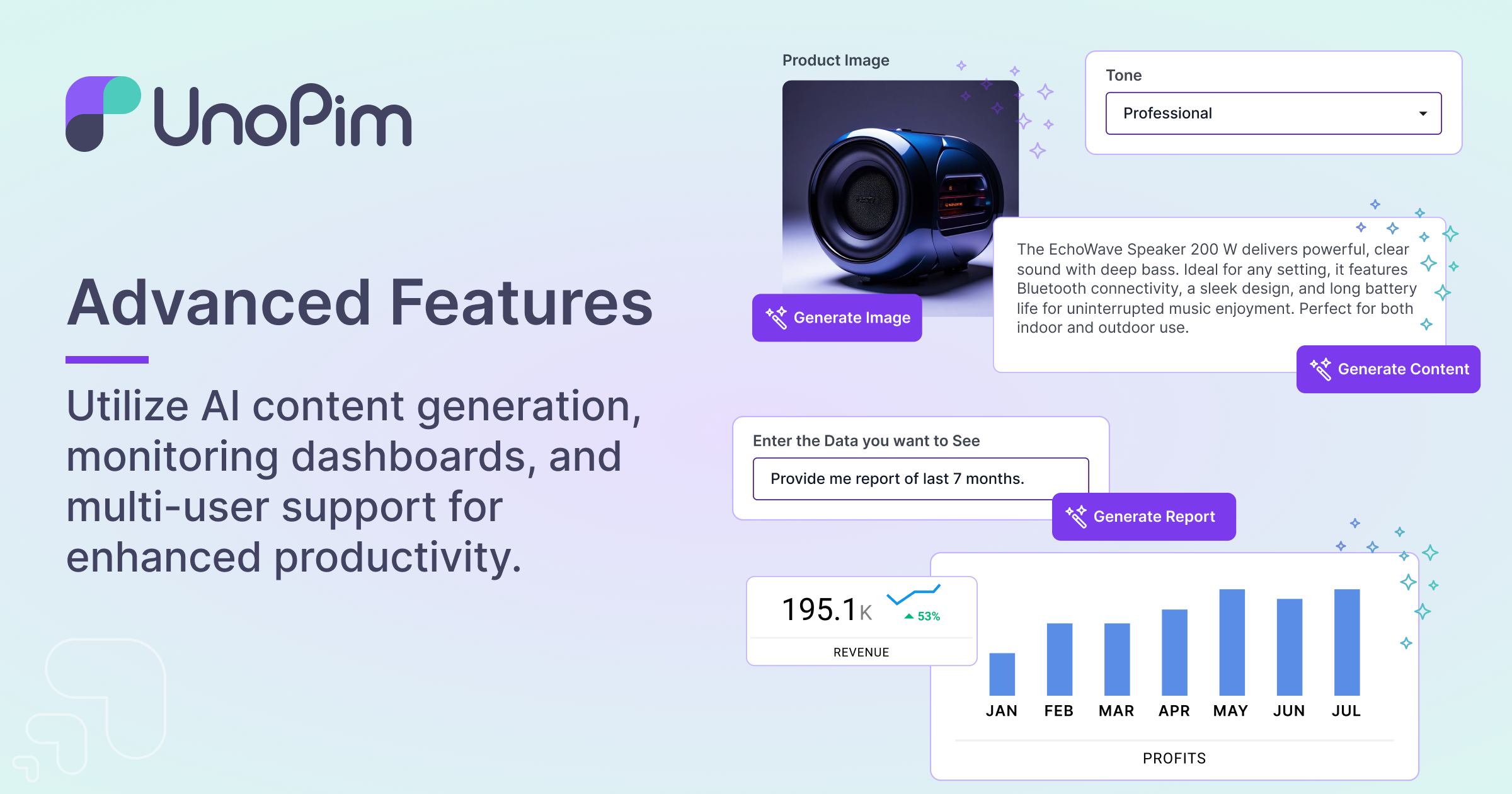
Advanced AI-Powered Product Management Create compelling product content, generate high-quality images, and gain actionable insights with intelligent automation. Leverage customizable dashboards, seamless multi-user collaboration, and smart reporting tools to streamline workflows and boost productivity across your entire platform.
-
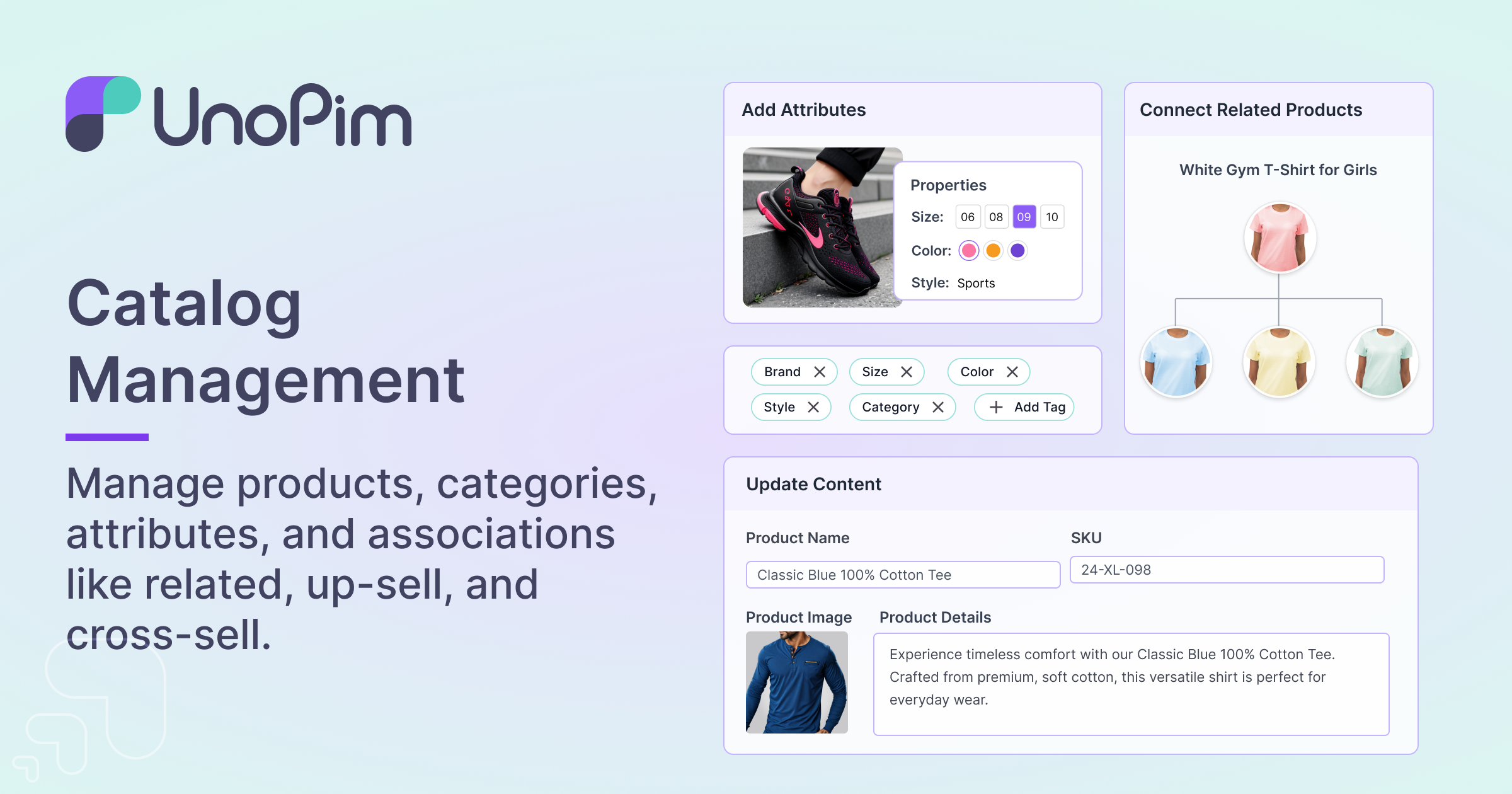
Centralized Product Management Manage all your product data in one place.
-
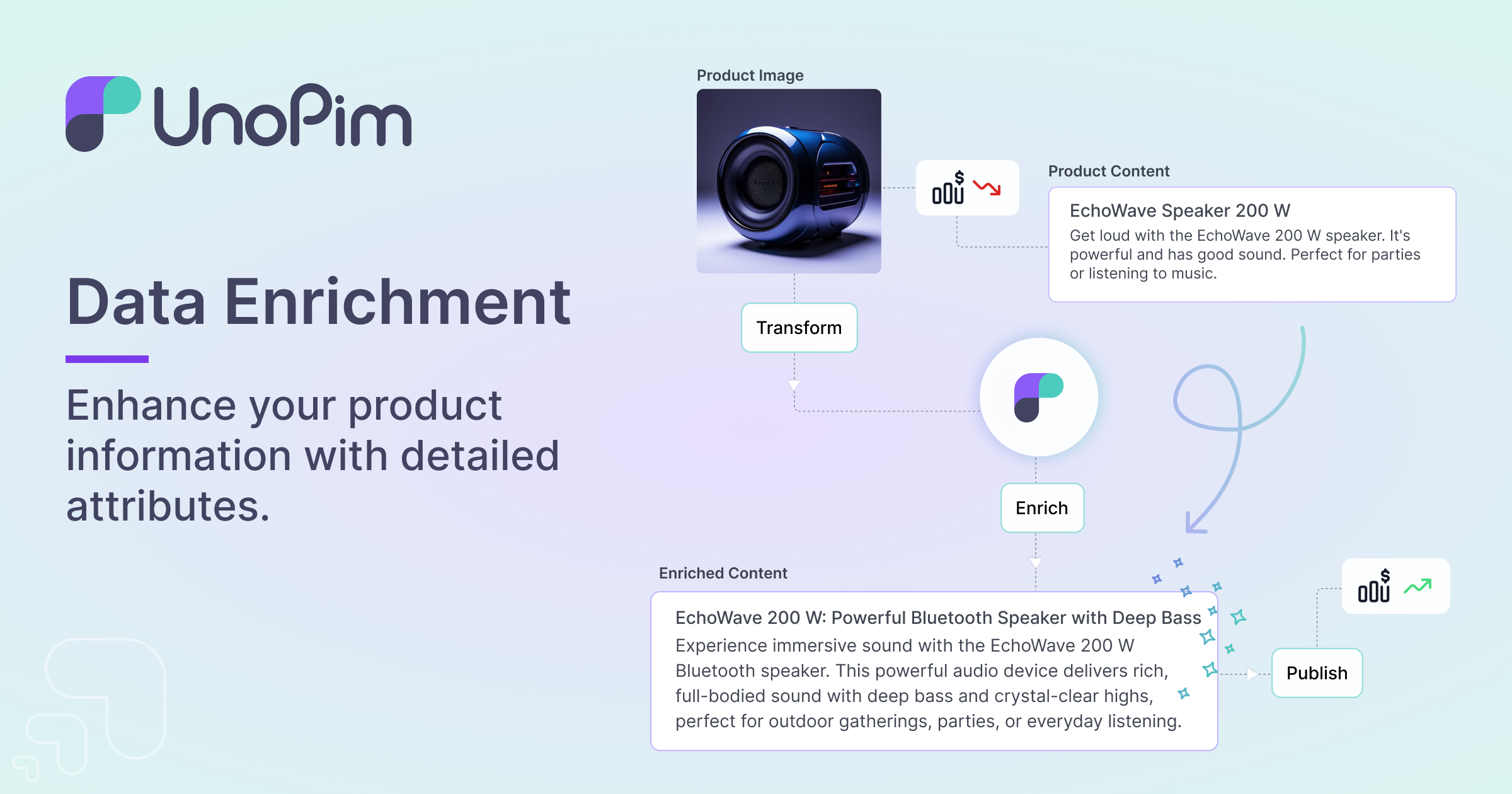
Data Enrichment Enhance your product information with detailed attributes and descriptions.
-
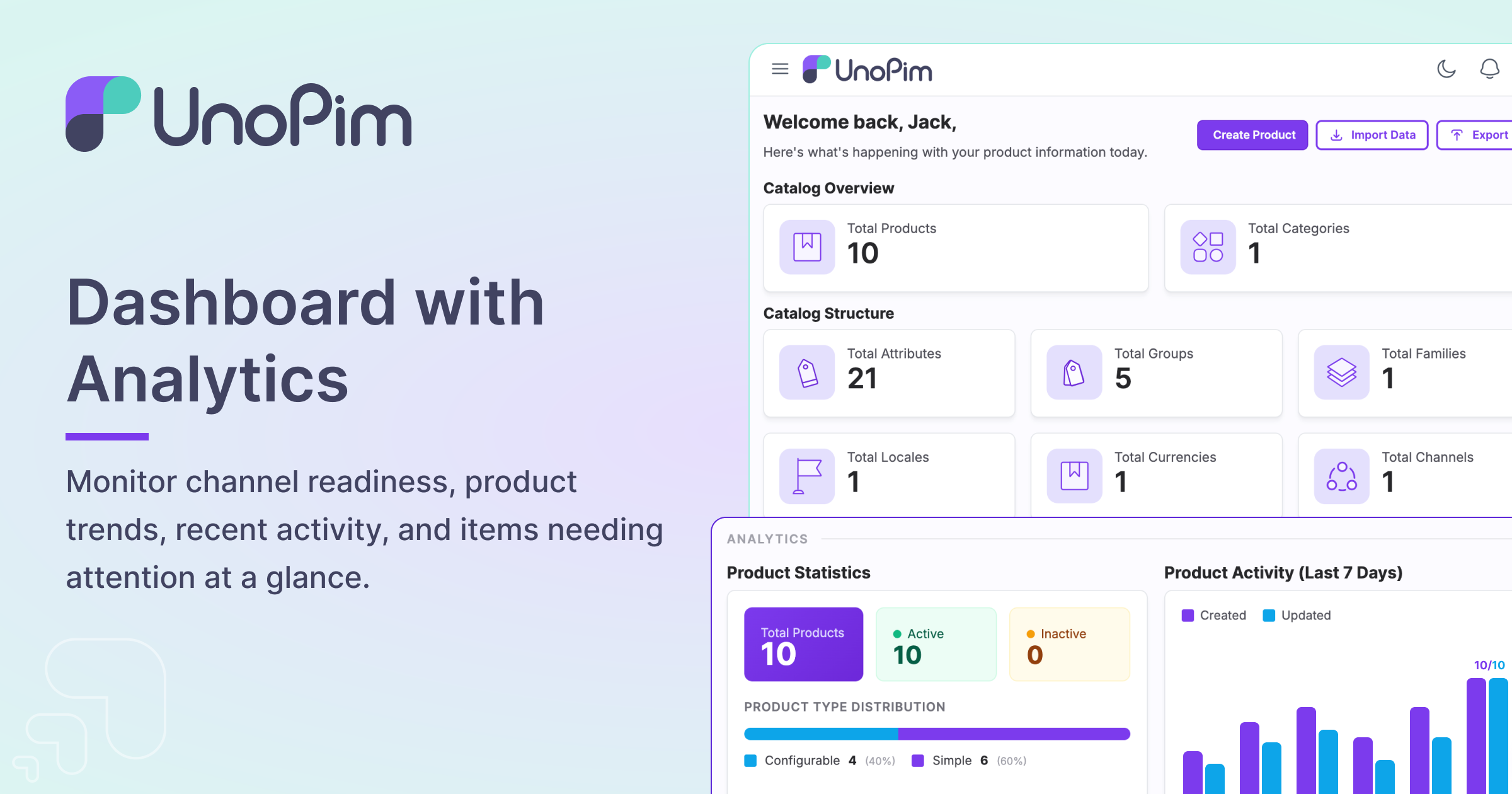
Dashboard with Analytics Monitor channel readiness, product trends, recent activity, and items needing attention at a glance.
-
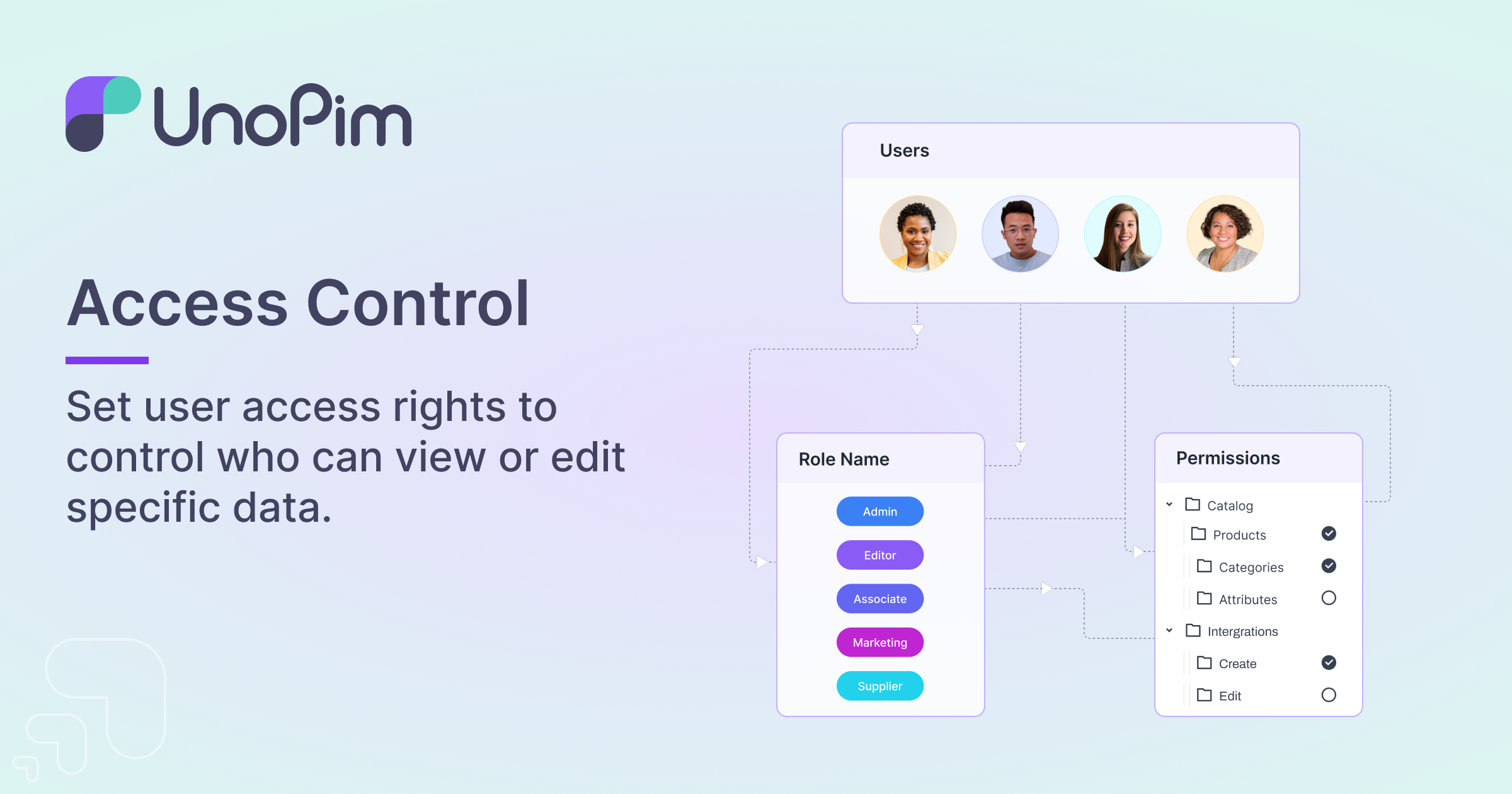
User Management Control user access and permissions.
-
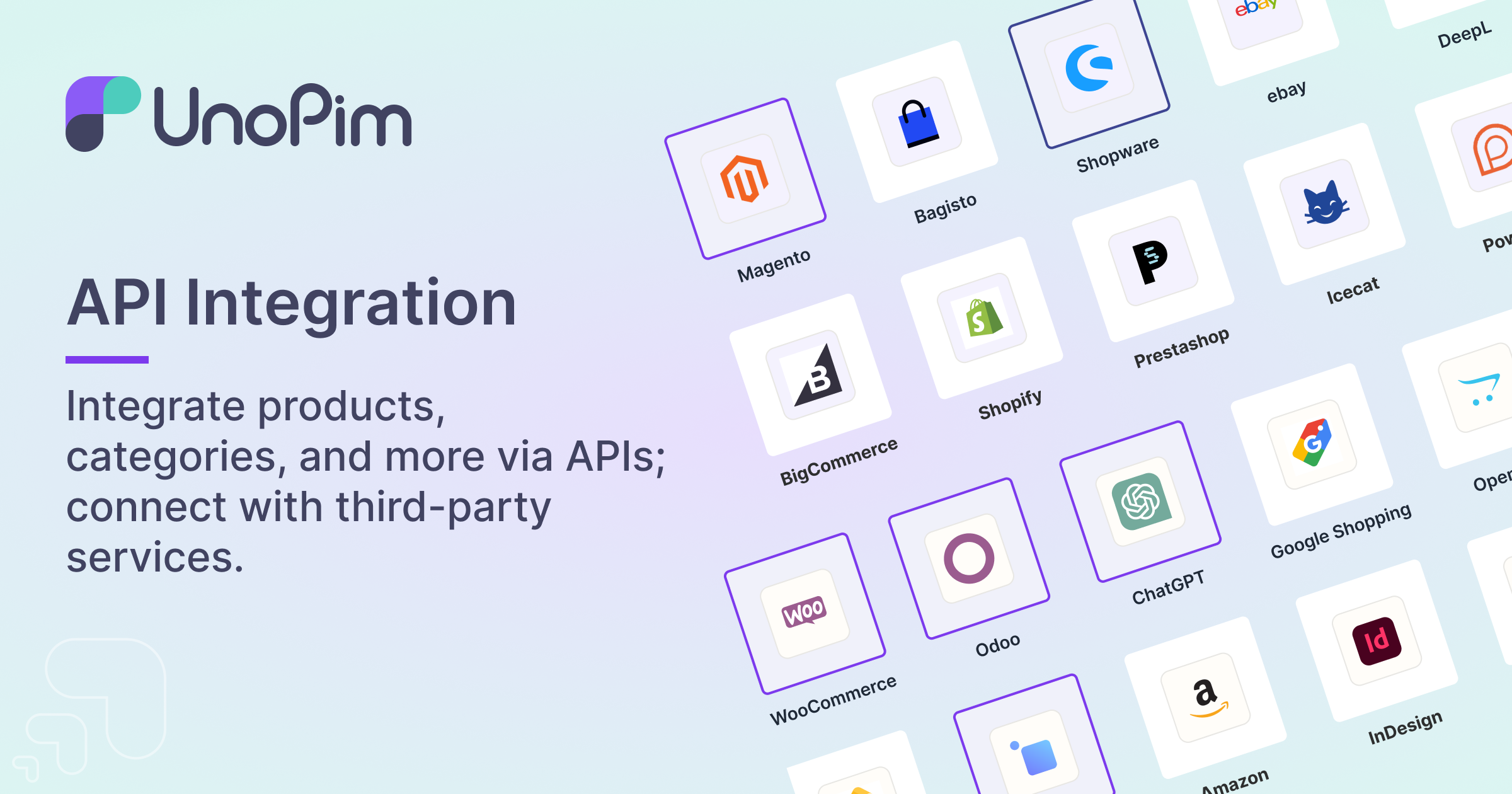
API Integration Seamlessly integrate with other systems via RESTful APIs. Import our official Postman collection or browse the full API documentation.
-
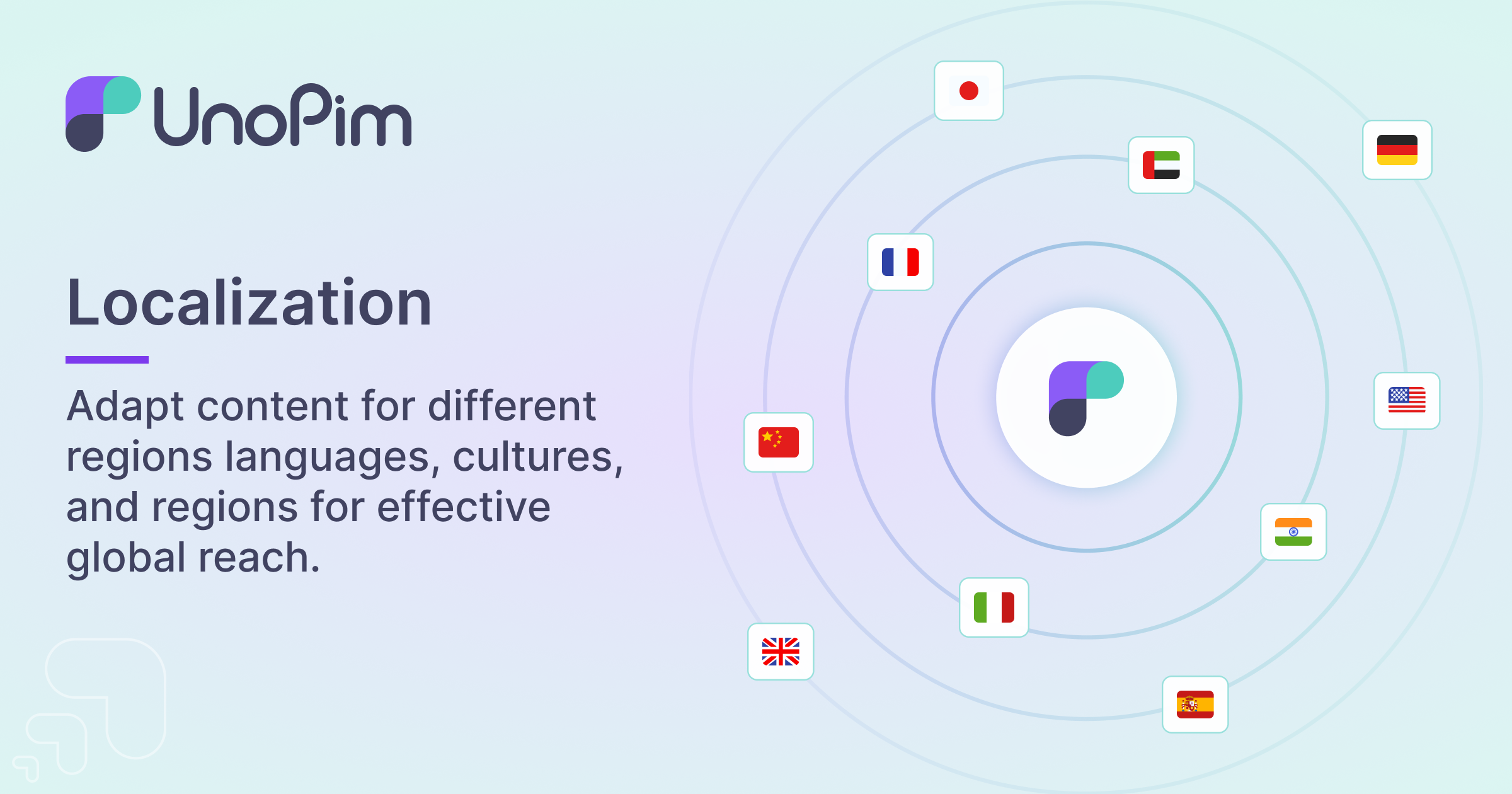
Localization Support for 33 languages and locales out of the box.
-
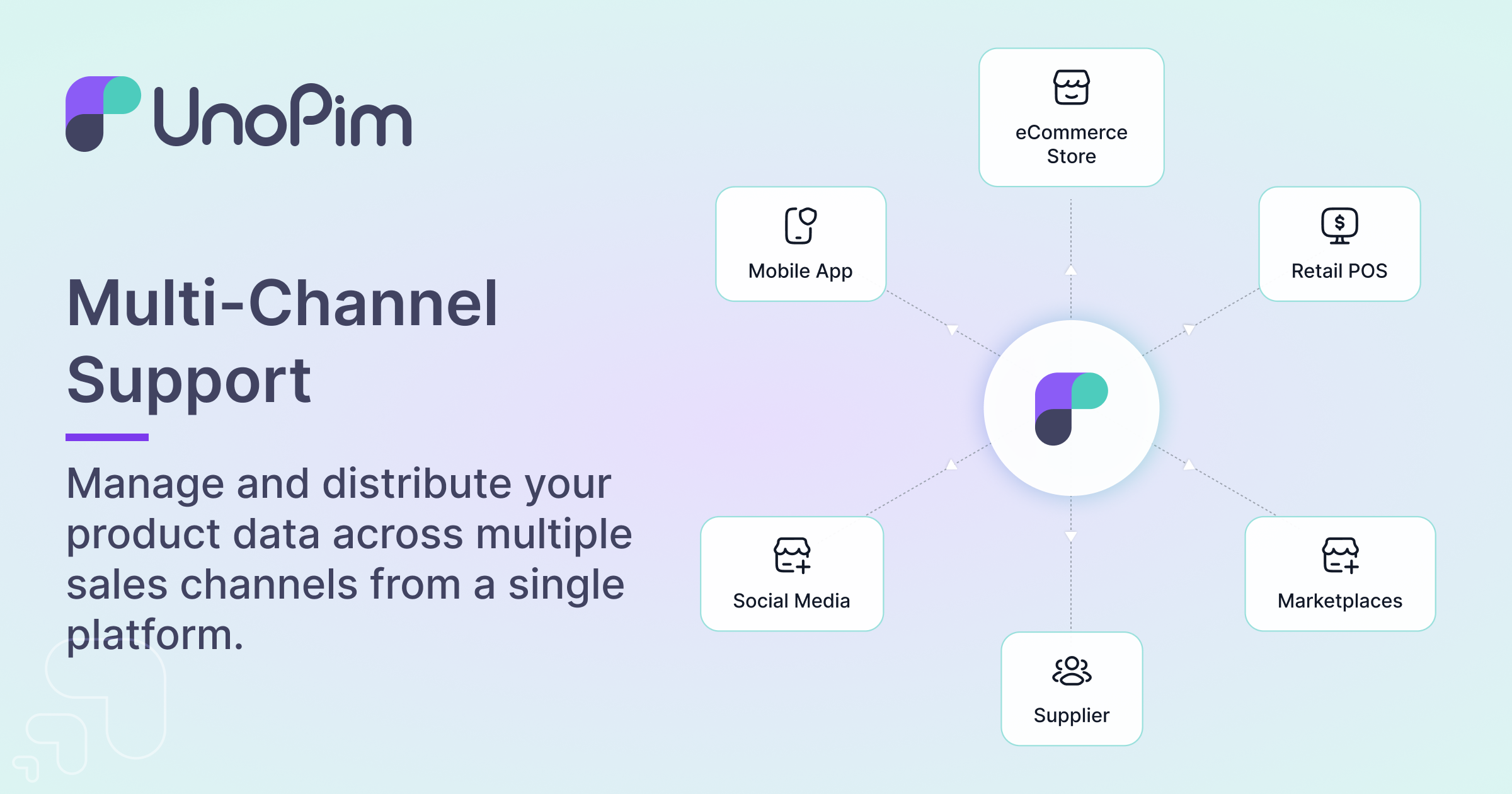
Multi-Channel Support for multiple sales channels.
-
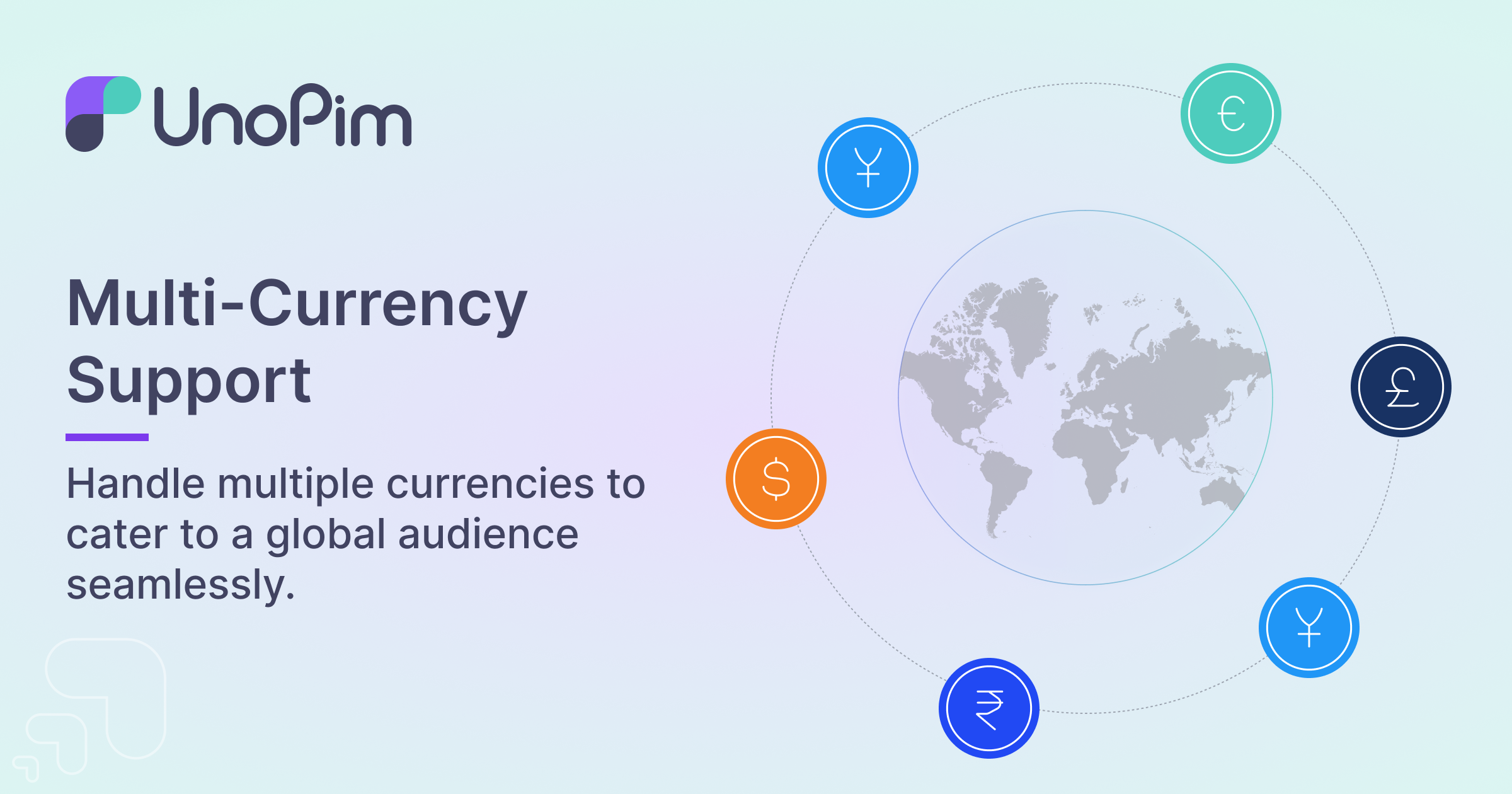
Multi-Currency Support for multiple currencies.
-
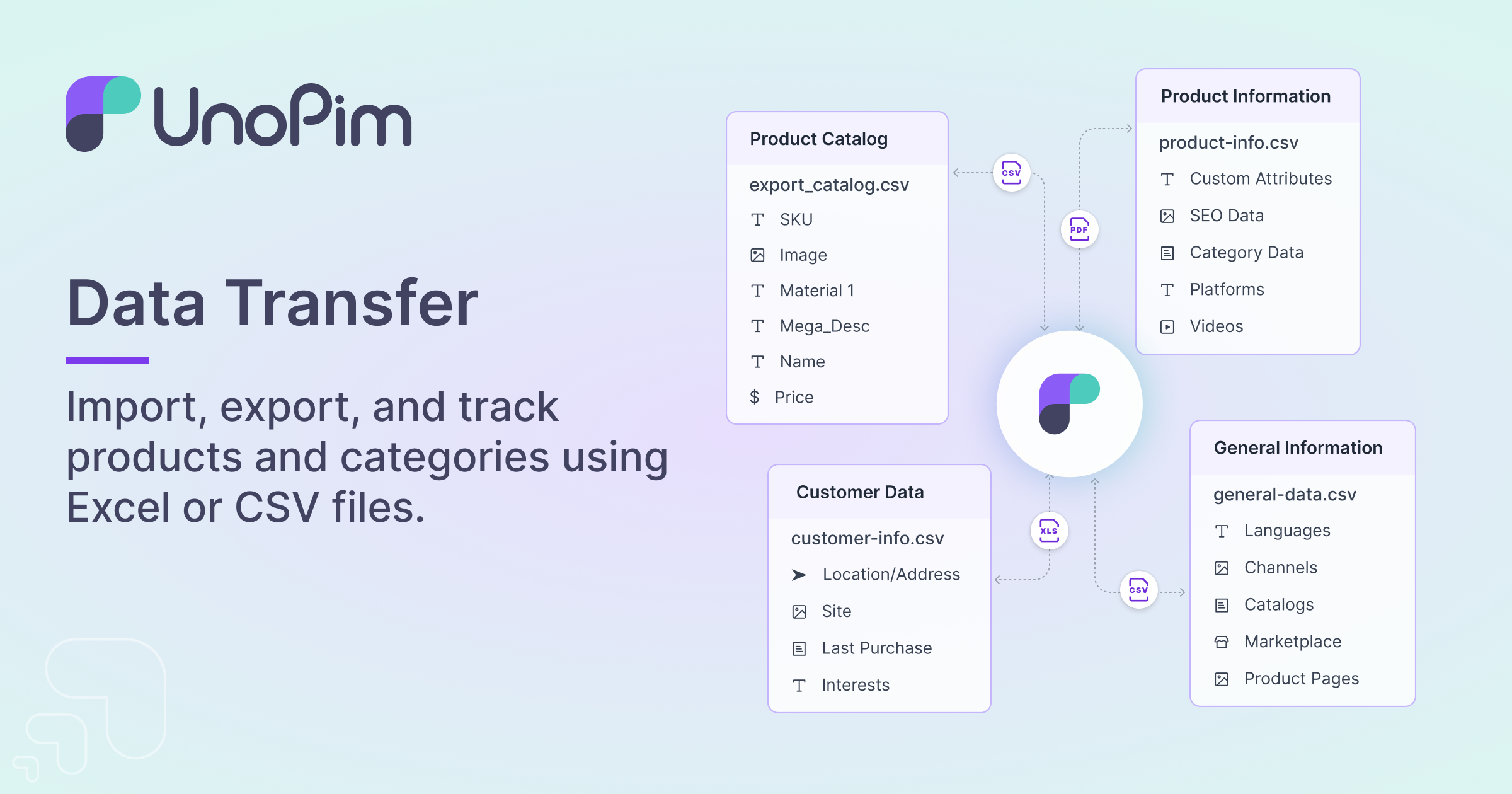
Import/Export with Real-Time Tracker Import and export product data using CSV, XLSX, and ZIP formats with real-time step-by-step progress tracking, pipeline visualization, and job-specific logging. Optimized for high-volume data handling with eager loading, increased batch sizes, and deferred indexing.
-
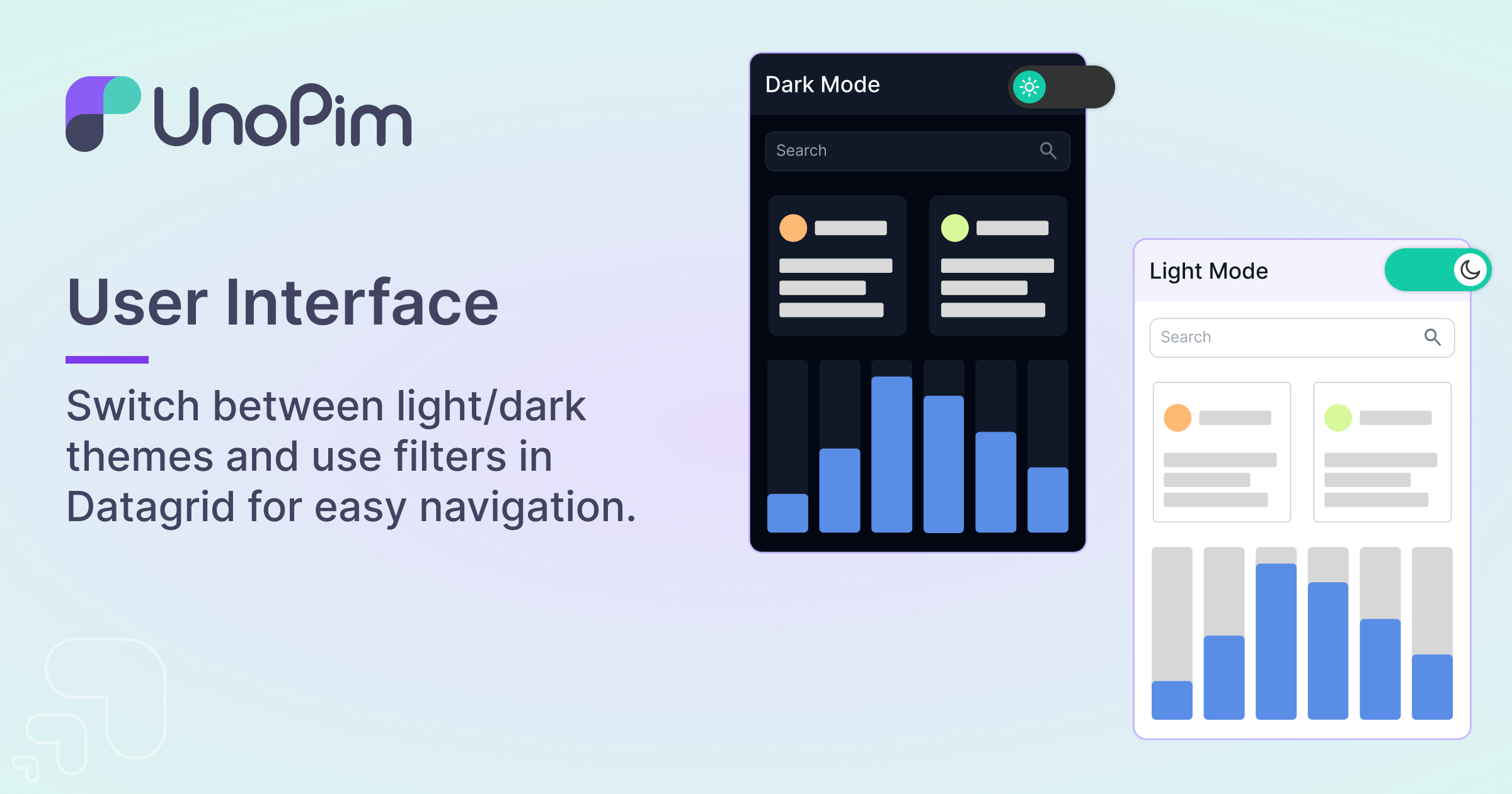
Themes UI compatible with both Light and Dark themes.
-
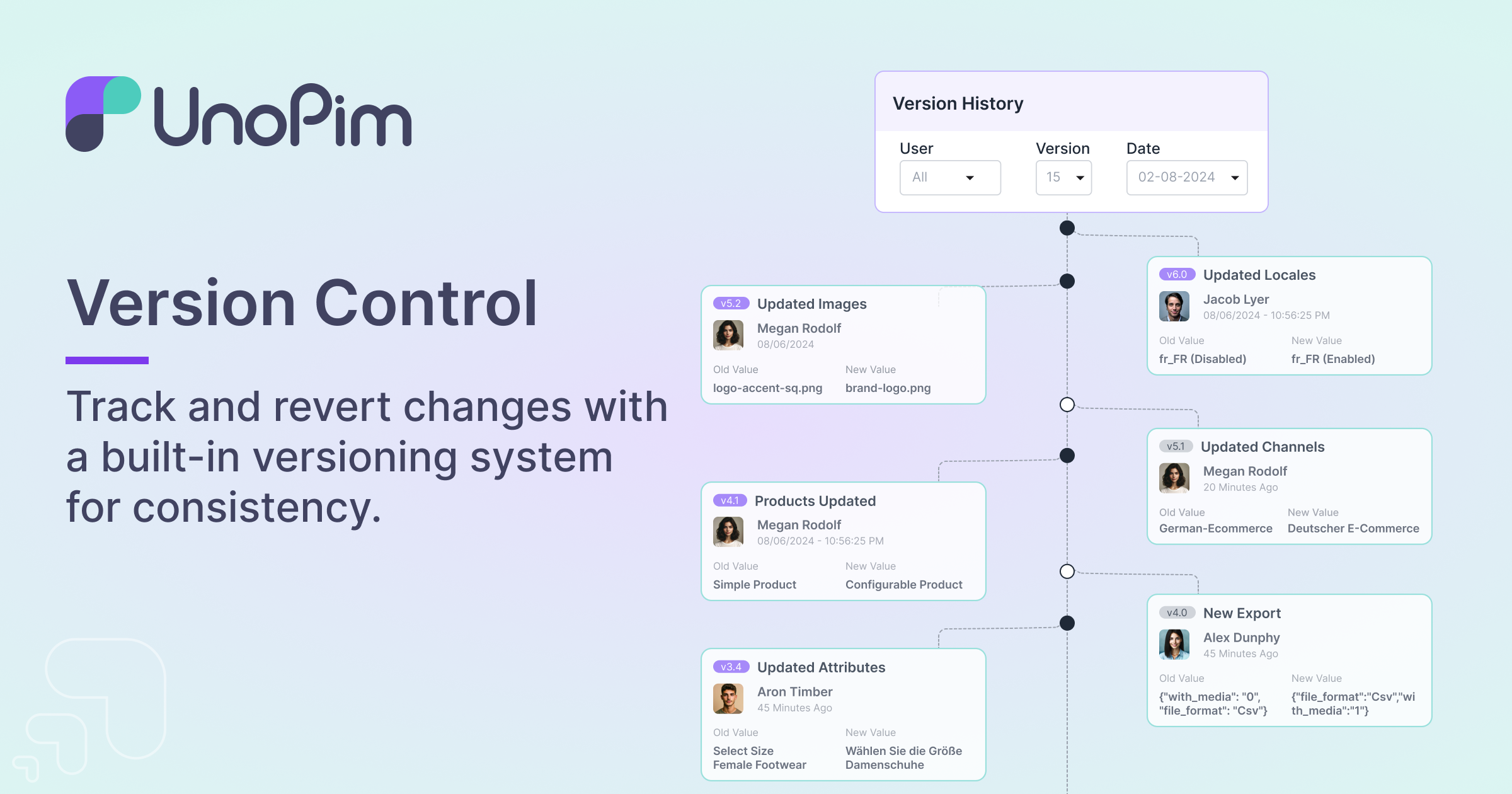
Version Control Track the history of changes in your product data.
-
Digital Product Passport Build DPP templates, attach QR carriers, and publish per-product passports to a public tier — with the publish path gated behind its own permission and queue.
-
Publication Channels Push enriched product payloads to downstream destinations on a queue, with per-channel payloads and delivery records.
-
Product Completeness Score every product against the attributes a family marks required per channel, and surface what is missing before it ships.
-
Measurement Families Define units and conversions once, then let measurement attributes capture an amount and a unit together.
-
Configurable Products & Associations Model variant structures with multi-level axes, and relate products through configurable association types.
-
Webhooks Notify external systems on product events over an asynchronous
webhooksqueue, so subscriber HTTP calls never block a save.
Requirements: Nginx/Apache2, PHP 8.4.1+, Node 20 LTS+, Composer 2.5+, and MySQL 8.0.32+ or PostgreSQL 16+.
PHP extensions:
calendar,curl,intl,mbstring,openssl,pdo,pdo_mysql,tokenizer— these are hardcomposer.jsonrequirements andcomposer installfails without them. The upgrade preflight additionally checksjson,xml,gd,zipandfileinfo.On PostgreSQL:
ext-pdo_mysqlis currently required bycomposer.jsonregardless of the database you run, so it must be installed even on a PostgreSQL-only host. Installext-pdo_pgsqlas well and setDB_CONNECTION=pgsql.
Full Installation Guide on devdocs — or pick a quick path below.
composer create-project unopim/unopim
cd unopim
php artisan unopim:install
php artisan serve
Open http://localhost:8000 in your browser. To execute imports/exports, AI agent tasks, completeness jobs, webhook deliveries, and Digital Product Passport publishing, start the queue worker:
php artisan queue:work --queue=webhooks,system,default,completeness,publicationNote: The
webhooksqueue is required for outgoing webhook delivery. TheWebkul\Webhook\Listeners\Productlistener is dispatched asynchronously to this queue so product save/update requests are not blocked by HTTP calls to subscribers. If you omitwebhooksfrom the--queuelist, webhook events will queue up but never be processed.
Note: The
publicationqueue processes Digital Product Passport publish jobs (single and bulk). Omit it and passports will queue but never publish. If you run a process manager such as Supervisor, addpublicationto your worker's--queue=list and restart it (e.g.sudo supervisorctl restart unopim-worker).
Requires Docker + Docker Compose v2+. See the full Docker guide for advanced configuration.
Run UnoPim — pre-built images, no checkout, no configuration:
curl -O https://raw.githubusercontent.com/unopim/unopim/master/compose.yaml
docker compose up -d
Open http://localhost:8000/admin. Set the admin credentials before the first docker compose up, in a .env file next to compose.yaml:
INSTALLER_ADMIN_EMAIL=you@example.com
INSTALLER_ADMIN_PASSWORD=<a password you choose>
If you leave them blank, the seeder generates a random 20-character password and writes it to storage/app/admin-credentials.txt inside the container:
docker compose exec unopim cat storage/app/admin-credentials.txtChange it after the first login. Every other setting has a working default; override any of them by exporting it or putting it in that same .env file.
MySQL instead of PostgreSQL:
curl -O https://raw.githubusercontent.com/unopim/unopim/master/compose.mysql.yaml
docker compose -f compose.yaml -f compose.mysql.yaml up -d
Switching engines on an existing install needs a fresh database — data is not migrated between them.
Develop UnoPim — builds from your checkout and bind-mounts it, so edits are live:
git clone https://github.com/unopim/unopim.git
cd unopim
cp .env.docker .env
docker compose -f compose.dev.yaml up -d
First boot installs Composer dependencies into ./vendor. The stack defaults to Nginx + PHP-FPM and PostgreSQL 16; for Apache use -f compose.dev.yaml -f compose.dev.apache.yaml, and for MySQL set COMPOSE_PROFILES=mysql, DB_CONNECTION=mysql, DB_HOST=unopim-mysql, DB_PORT=3306 in .env before the first up.
Port conflicts? If you already have MySQL, Redis, or Elasticsearch running locally, edit the
FORWARD_*ports in.envand restart. See.env.dockerfor details.
Deploying? Inject APP_KEY as a secret rather than letting the container generate one, and set UNOPIM_SKIP_MIGRATIONS=true where the schema is managed by the deployment itself — a Kubernetes Job or a release step — so scaled replicas do not race each other.


Found a bug or want to add a feature? Open an issue or submit a pull request — see CONTRIBUTING.md for the full flow.





Have questions, feedback, or want to contribute? Reach out through any of the channels above — we're always happy to hear from fellow PIM builders.
If you discover any security vulnerabilities, please follow our Security Policy and report them to support@webkul.com.
UnoPim is open-source software distributed under the MIT License.