





Orbit Cards is a collection of modern Home Assistant dashboard cards with a shared visual style, shared editor controls, and support for custom icons, dynamic colours, popups, navigation, and compact grouped layouts.
Orbit Cards is available directly from the default HACS repository. Search for Orbit Cards in HACS to install it.
|
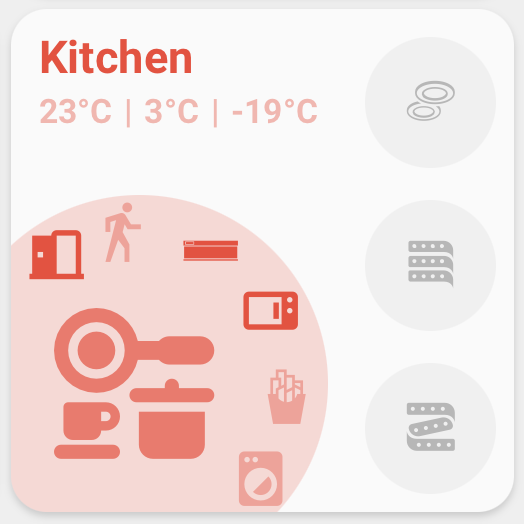
An area overview with status text, a main entity, side buttons, curved quick actions, and navigation. |
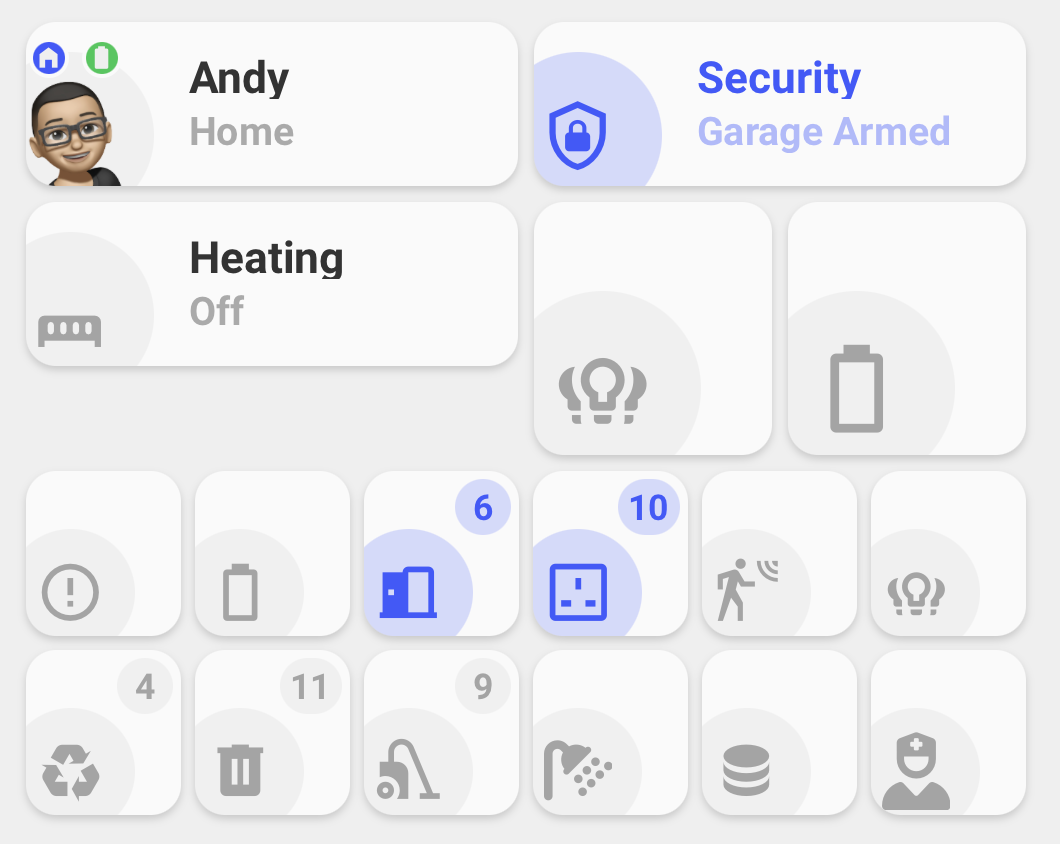
Visual entity summaries in Standard, Person, Icon only, and compact grouped Icon only modes. |
|
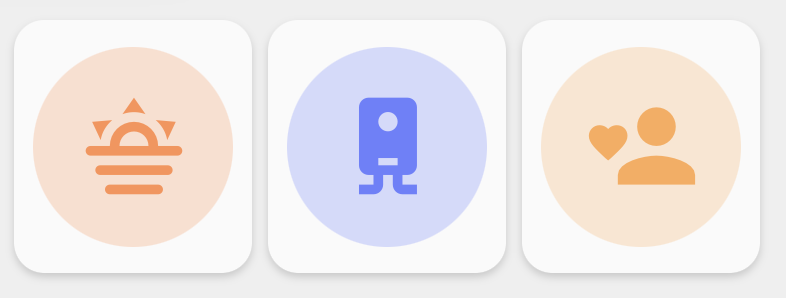
Compact controls for scenes, scripts, automations, buttons, cameras, and grouped shortcuts. |
Wrap 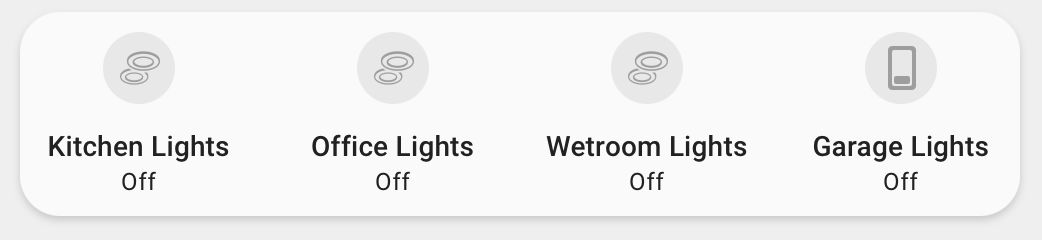
Tabs 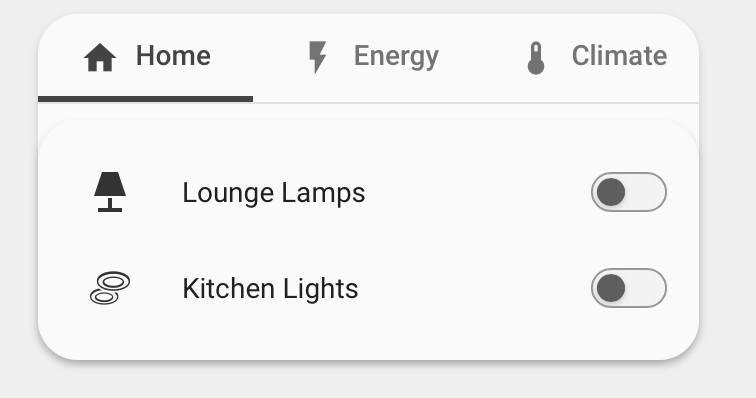
A generic container that wraps Lovelace cards into rows, switches between them with tabs, or places compact cards over a main card. |
- Built-in visual editors for all cards.
- Tabbed editor sections with grouped controls for area/card settings, status fields, buttons, curved buttons, and action buttons.
- Shared colour handling across cards.
- Named colours, theme colours, hex colours,
rgb(),hsl(), and light colour support where supported. - Colour preview swatches with a native colour picker and selectable theme colour previews.
- Material Design Icons and local SVG/image icons.
- Tap, hold, navigation, service, popup, and Browser Mod actions.
- Dynamic entity state updates scoped to only the entities used by each card.
- Grouped compact layouts for Status Icon only and Action Card.
- Deck Card layouts for wrapping Lovelace cards into rows, showing them as tabs, or overlaying compact controls on a main card.
-
Open HACS in Home Assistant.
-
Search for
Orbit Cards. -
Select
Orbit Cards, then chooseDownload. -
Refresh Home Assistant when the download is complete.
-
Add one of the Orbit cards from the dashboard card picker.
-
Download
dist/orbit-cards.jsfrom the repository. -
Copy it to:
/config/www/orbit-cards.js -
Optional: to use bundled
orbit:icons with a manual install, copydist/iconsto:/config/www/icons -
In Home Assistant, go to
Settings->Dashboards->Resources. -
Add this resource:
/local/orbit-cards.js -
Set the resource type to
JavaScript module. -
Refresh Home Assistant.
After updating the JavaScript file, refresh the browser or reload Home Assistant frontend resources. Some browsers and Home Assistant apps cache frontend resources aggressively, so a hard refresh may be needed after manual updates.
- Home Assistant Lovelace dashboards.
- Home Assistant 2025.6.0 and newer recommended.
- Available from the default HACS repository, with manual resource installation as a fallback.
- Browser Mod is required only for Browser Mod popup actions.
- Bubble Card is required only for Bubble Card hash popups.
custom:orbit-room-cardremains registered as a legacy alias forcustom:orbit-area-card.room_nameremains supported as a legacy alias forarea_name.- Legacy Area Card configs are migrated when the editor opens:
custom:orbit-room-cardis rewritten tocustom:orbit-area-card, androom_nameis rewritten toarea_name.
For bugs, feature requests, and releases, use the GitHub repository: andyblac/Orbit-Cards
A WiKi guide is available: Here
Created by AndyBlac.