

A browser-based screen sharing service. Start sharing your screen in one click and let others watch live — no installs, no plugins. Streaming runs peer-to-peer over WebRTC, with a signaling server only used to connect peers.
- One-click screen sharing over WebRTC — peer-to-peer, no install required.
- Host & viewer roles with support for multiple simultaneous viewers on a single host.
- Public channel directory — browse and join currently active public rooms, with live viewer counts and a lock/open status badge.
- Public or private rooms with an optional password.
- Change screen / pause sharing on the fly without leaving the room — the room stays alive while you pick a new source.
- Audio sharing with mute / unmute controls for both host and viewers.
- QR code and copyable share link for quickly inviting others.
- Real-time text chat with editable nicknames.
- Emoji reactions that float over the shared screen for everyone to see.
- Live host annotations — draw over your screen with a pen/eraser, color and width selection. Strokes are broadcast to all viewers, replayed for late joiners, and can be cleared at any time.
- Host moderation — kick viewers from the room.
- Connection quality indicator (good / fair / poor) showing packet loss, RTT and bitrate.
- Direct (P2P) vs relay (TURN) connection badge.
- Adaptive bitrate — the host automatically tunes per-viewer quality based on the packet loss each viewer reports.
- Manual quality presets (Auto / 1080p / 720p / 480p).
- Automatic reconnection with ICE restart, and TURN fallback for restrictive networks (mobile / CGNAT).
- Fullscreen support and auto-hiding, YouTube-style player controls.
- Dark / light theme toggle.
- Multilingual UI — Korean and English.
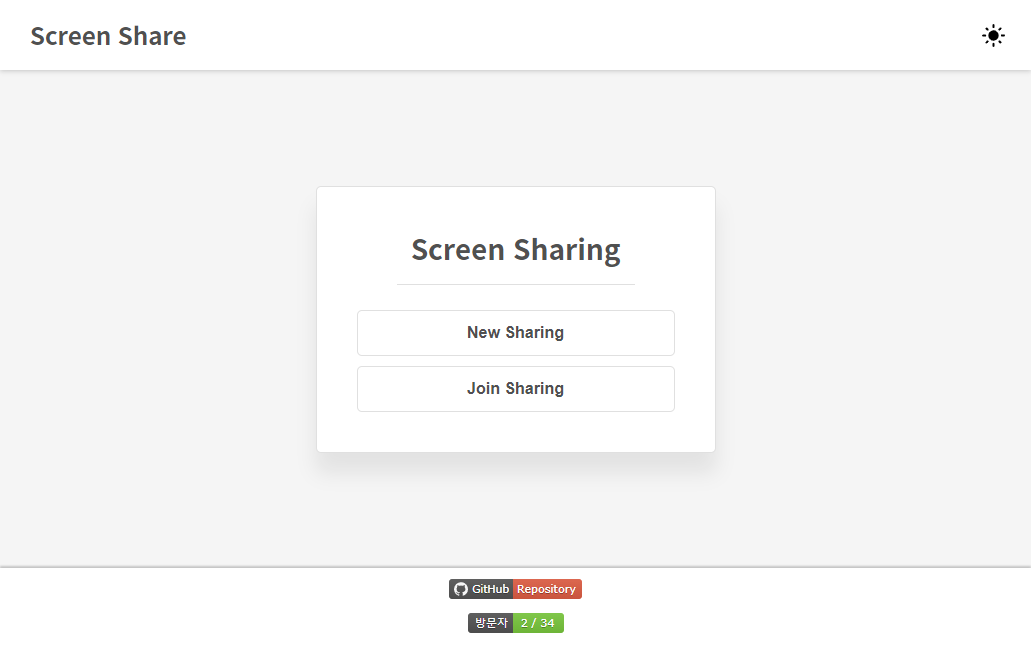
- To share your screen with others, click New Sharing to create a room and pick a screen.
- To watch someone else's screen, click Join Sharing and enter a channel ID (and password if required), or pick a room from Browse Public Rooms.
- Vue 3 + TypeScript, Vuex, Vue Router, Vue I18n
- WebRTC for peer-to-peer media, STOMP / SockJS over WebSocket for signaling
# install dependencies
npm install

# run the dev server
npm run serve

# build for production
npm run build- If you have any features you want, please request them on the issues with the Feature Request label.
- This project is an open source project. Anyone can contribute in any way.
- If you find a bug, please report to us posting issues on GitHub.