Ask AI chatbot integration for Astro sites, powered by Biel.ai.
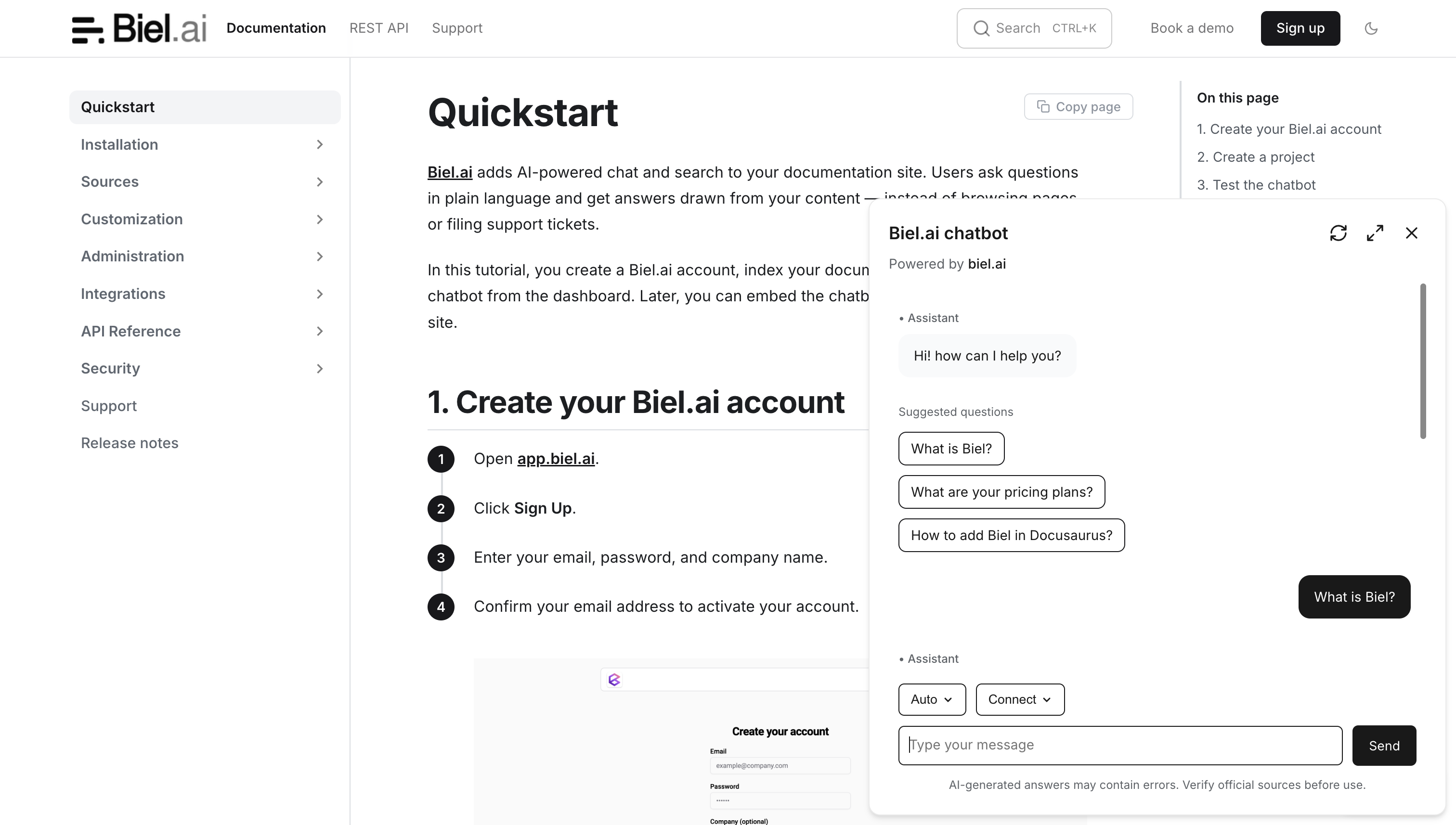
Add an AI chatbot to any Astro site using Biel.ai's integration. The integration adds both chat and search capabilities, works with any Astro template, and supports client-side navigation with Astro's ClientRouter.
Building with Starlight? Use the dedicated starlight-biel plugin instead.
Note: A Biel.ai plan is required to use this integration. Try it free for 14 days—no credit card required.
- AI chatbot that provides instant responses to documentation queries.
- AI search engine for quick and relevant information retrieval.
- Native Astro integration, works with any template or UI framework.
- Survives client-side navigation (Astro ClientRouter / view transitions).
- Customizable to match your site's branding and user needs.
npm install astro-bielAdd the integration to your astro.config.mjs:
import { defineConfig } from 'astro/config'
import biel from 'astro-biel'

export default defineConfig({
  integrations: [
    biel({
      project: '<YOUR_PROJECT_ID>',
      headerTitle: 'Biel.ai chatbot',
    }),
  ],
})
Replace <YOUR_PROJECT_ID> with your project's ID from the Biel.ai dashboard.
Run npm run dev and verify the chat button appears in the bottom-right corner.
All widget options are supported as camelCase keys, for example:
biel({
  project: '<YOUR_PROJECT_ID>',
  bielButtonText: 'Ask AI',
  buttonPosition: 'bottom-right',
  modalPosition: 'bottom-right',
  buttonStyle: 'dark',
  headerTitle: 'Documentation AI',
})
Set enable: false to turn the widget off without removing the configuration.
See the Astro AI chatbot integration guide for the full list of options and setup instructions.
Need assistance? Contact us for help.
Copyright (c) 2024 Biel.ai
Licensed under the MIT License.