ImAc VR360 Player
[TODO] Brief introduction to the player...
In order to open the menu the user has several options:
- Voice control (Command??)
- Keybinding (pressing M)
- Head movement
Once the user has selected the content, the ImAc player will show a banner that describes in 3 simple steps how the menu is opened, as shown in the left image (This banner will only appear every 1 hour unless the user cleans the browser cookies). The video on the right shows these 3 steps been executed. This is done by defining an interactive zone where the user, for a few seconds (2000ms), has to place the centre of its FoV in order to trigger the opening event. The menu will be attached to the camera, this means that if the user navigates through the 360 video, the menu will always be present in its FoV.

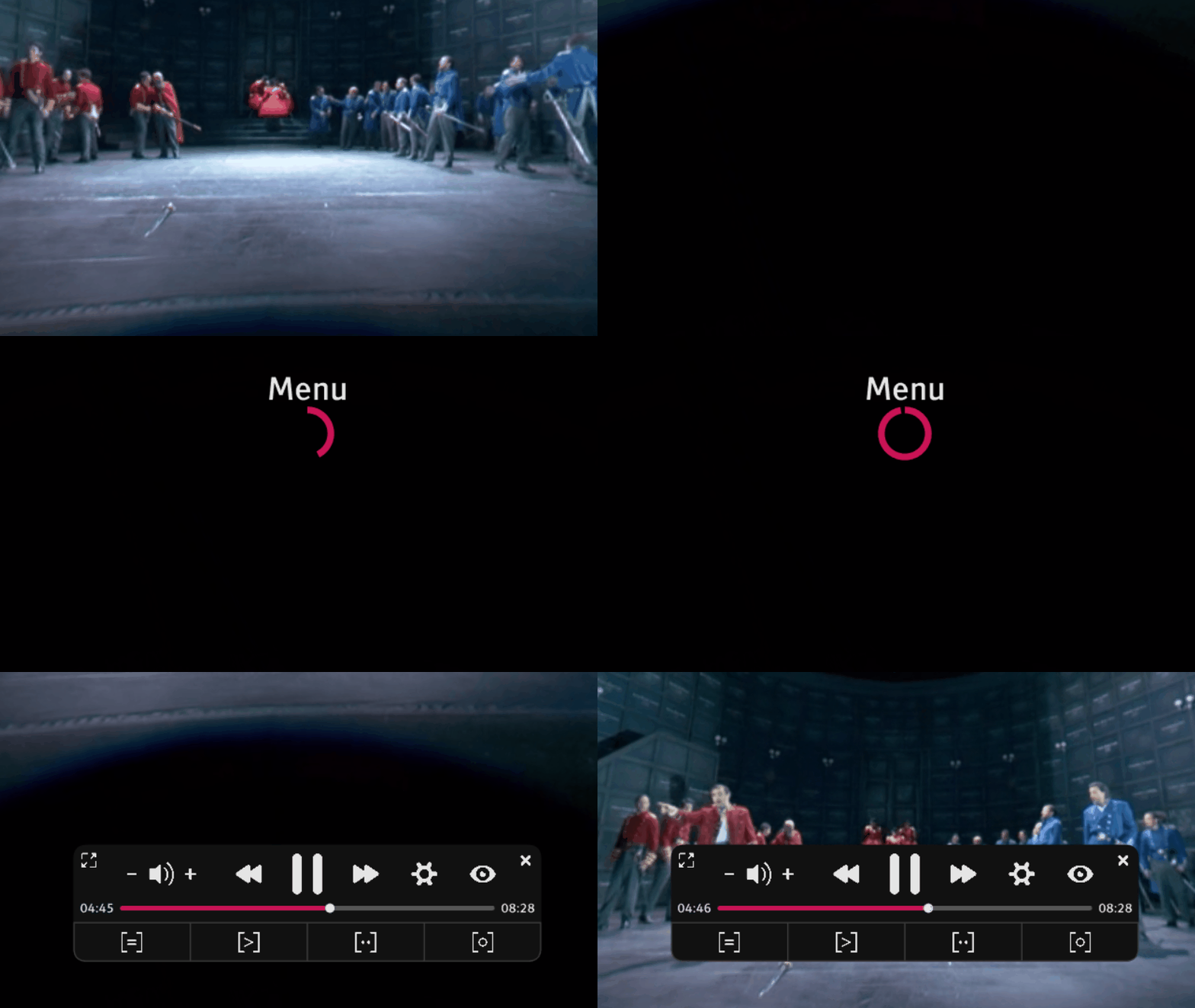
The menu has several interactive elements, each one with its own functionality.