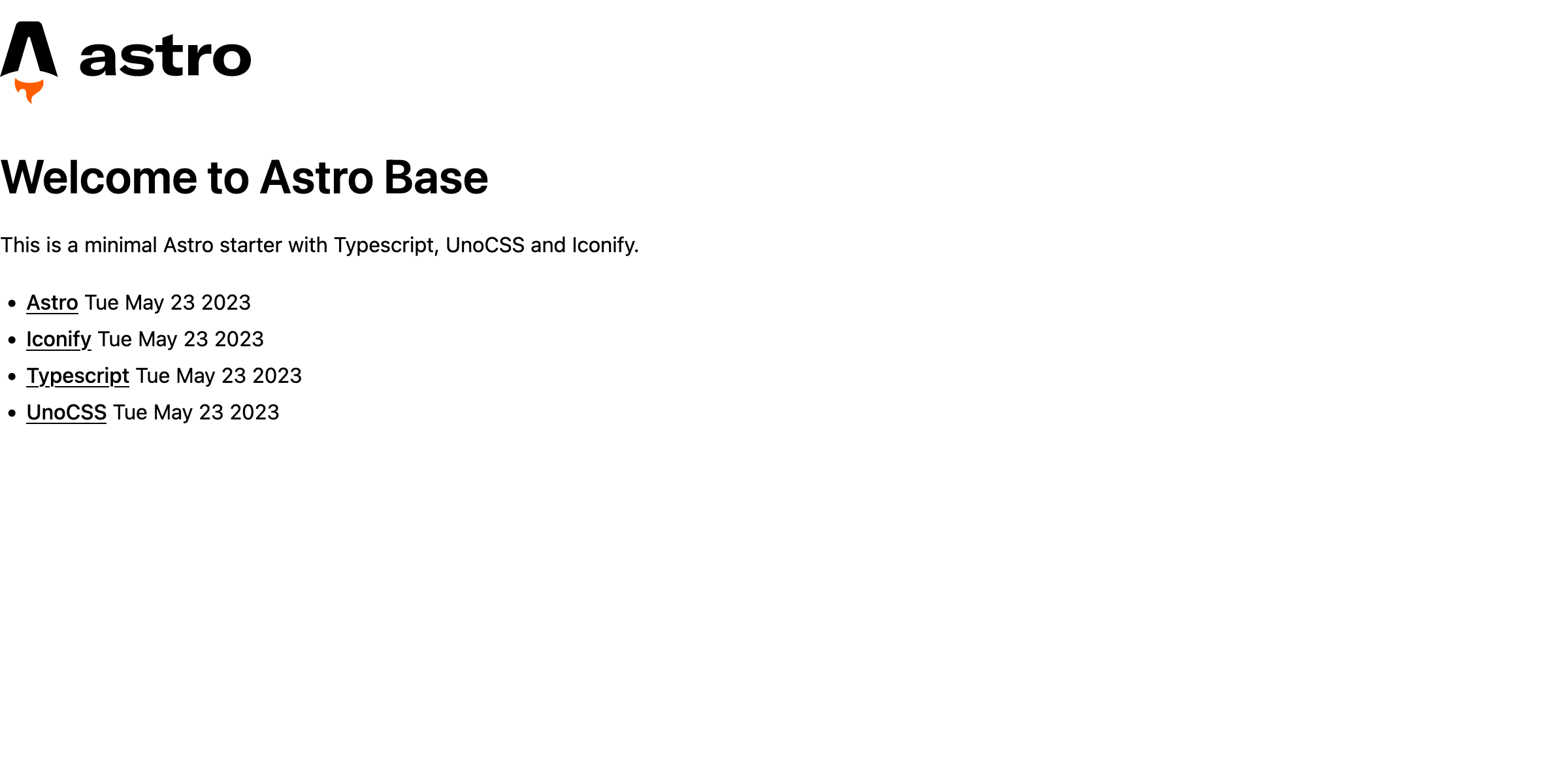
Minimal Astro starter for new projects. MIT licence.
Uses:
- Typescript
- Prettier
- ESLint
- UnoCSS
@astrojs/sitemapand@astrojs/rsspreintegrated- Heroicons and SVG Logos preloaded via Iconify
Inside of your Astro project, you'll see the following folders and files:
/
├── astro.config.mjs          # Astro configuration file
├── public/                   # Location of static assets
│   └── favicon.svg
├── src/
│   ├── assets/               # Location of dynamic assets (eg. images)
│   │   └── screenshot.png
│   ├── components/           # Astro components
│   │   └── header.astro
│   ├── content/              # Location of content (markdown, data and images)
│   │   └── config.ts
│   ├── layouts/              # Location of layouts for pages
│   │   └── Layout.astro
│   └── pages/                # Location of pages
│       └── index.astro
├── package.json
└── tsconfig.json             # Typescript configuration file
└── uno.config.ts             # UnoCSS configuration file
All commands are run from the root of the project, from a terminal:
| Command | Action |
|---|---|
pnpm clean |
Removes dependencies and output files |
pnpm install |
Installs dependencies |
pnpm dev |
Starts local dev server at localhost:4321 |
pnpm build |
Build your production site to ./dist/ |
pnpm preview |
Preview your build locally, before deploying |
pnpm lint |
Runs Prettier and ESLint on files in src/ |
pnpm refresh |
Updates Astro and other dependencies |
pnpm astro ... |
Run CLI commands like astro add, astro check |
pnpm astro -- --help |
Get help using the Astro CLI |